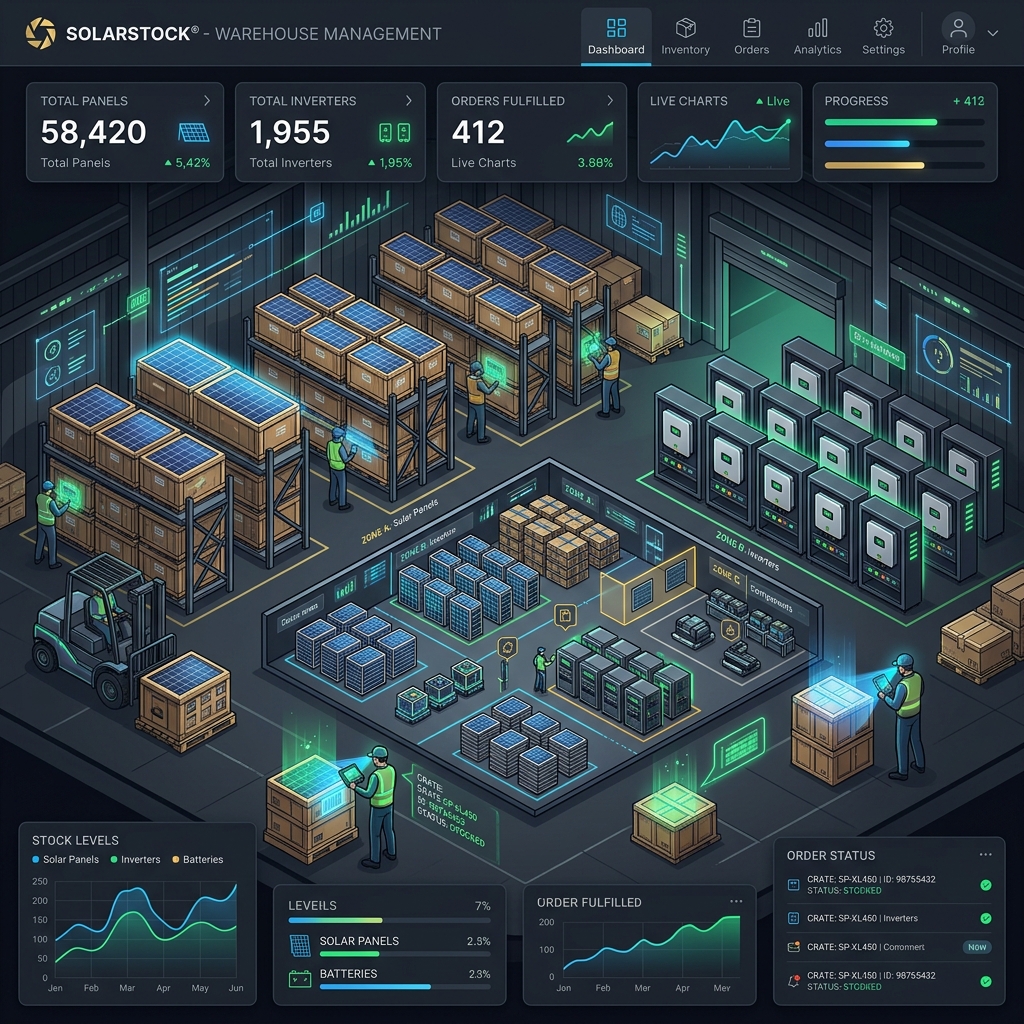
Never Run Out of Panels: Automating Solar Component Stock Monitoring
A sudden delay in solar panel delivery can halt active residential projects, leading to client disputes. Tracking your warehouse inventory manually via Excel sheets is highly error-prone. Our **Warehouse Inventory** dashboard helps you manage stock levels with automatic minimum threshold alerts.
Key Slabs of Solar Inventory:
- Module Counting: Track panel inventories by watt capacity (e.g. 540Wp, 440Wp).
- Inverters: Track single-phase and three-phase inventory.
- Critical Alerts: Set a threshold value. When panels or inverters drop below the limit, the dashboard highlights them in red, prompting you to procure goods in advance.
How to Use Inventory:
- Go to Inventory ? Dashboard.
- Insert your component details and quantities.
- Update units easily whenever material is dispatched to an installation site.

Discussions (0)
Leave a Reply
Your email address will not be published. Required fields are marked *
No comments yet. Be the first to share your thoughts!